

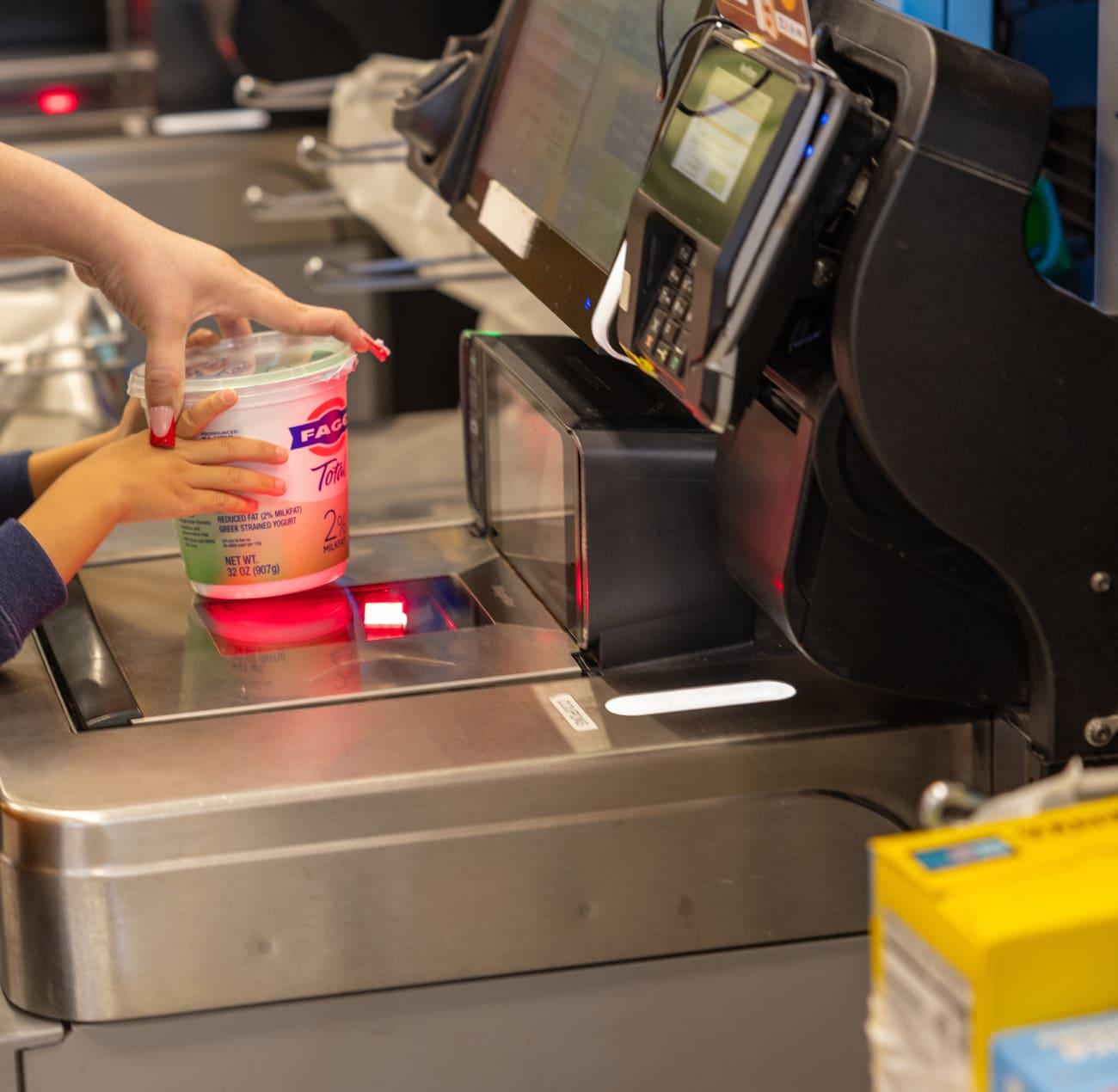
Scan.
Any code, any scanner
Plug in a USB or wireless barcode scanner, or use a camera for QR codes. Products land in the cart with live stock checks.
- USB and wireless scanners
- Camera QR scanning
- Search by name, SKU or barcode
BIR-ready point of sale · Philippines
One system for the whole counter. Ring up sales, print BIR-ready receipts and see every branch from anywhere, even when the internet drops.
Z-reading · all 1pos stores
01How it works
Plug in a USB or wireless barcode scanner, or use a camera for QR codes. Products land in the cart with live stock checks.
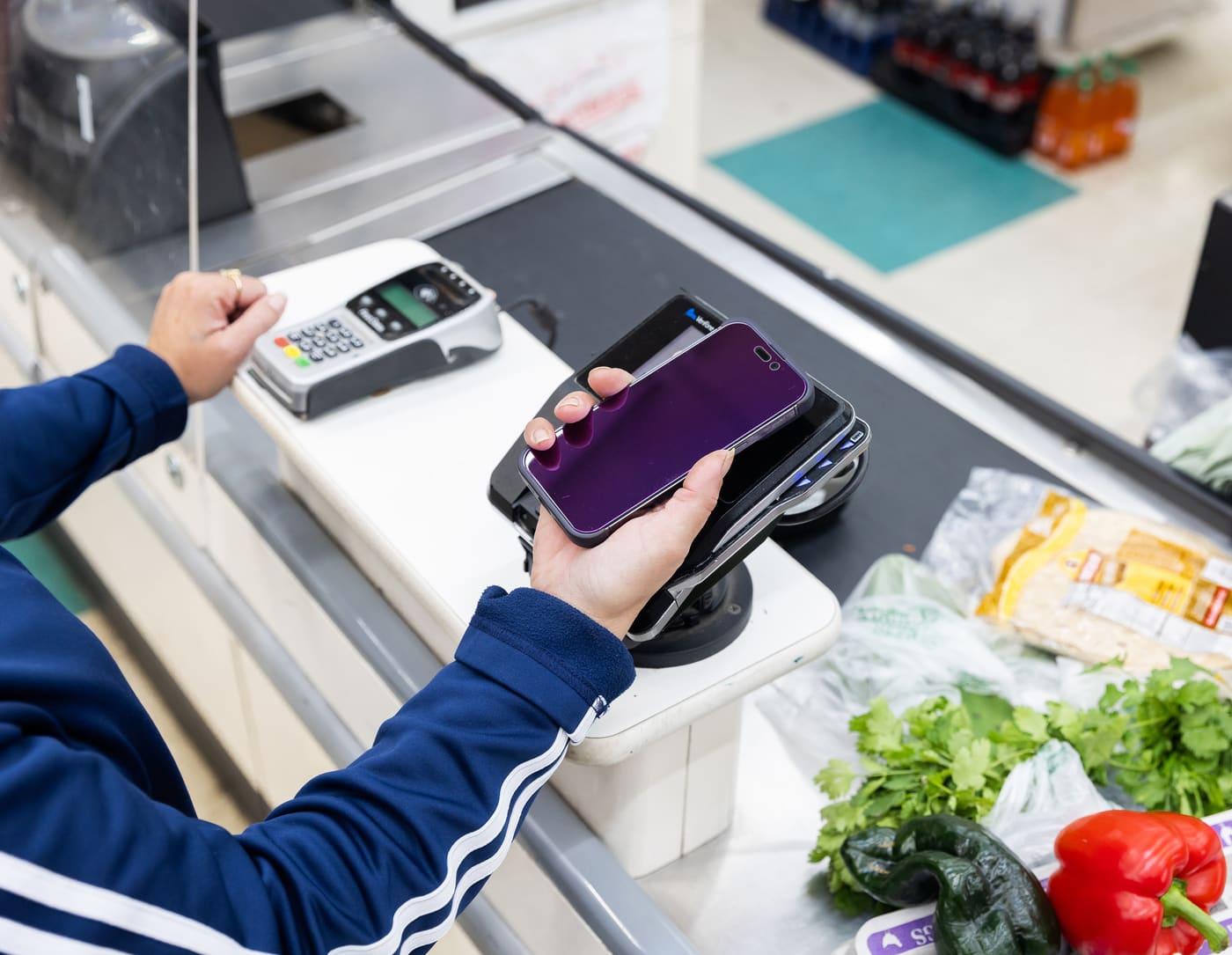
Cash, cards, GCash, Maya and QR payments at one till. Discounts, refunds and drawer counts are all built in.
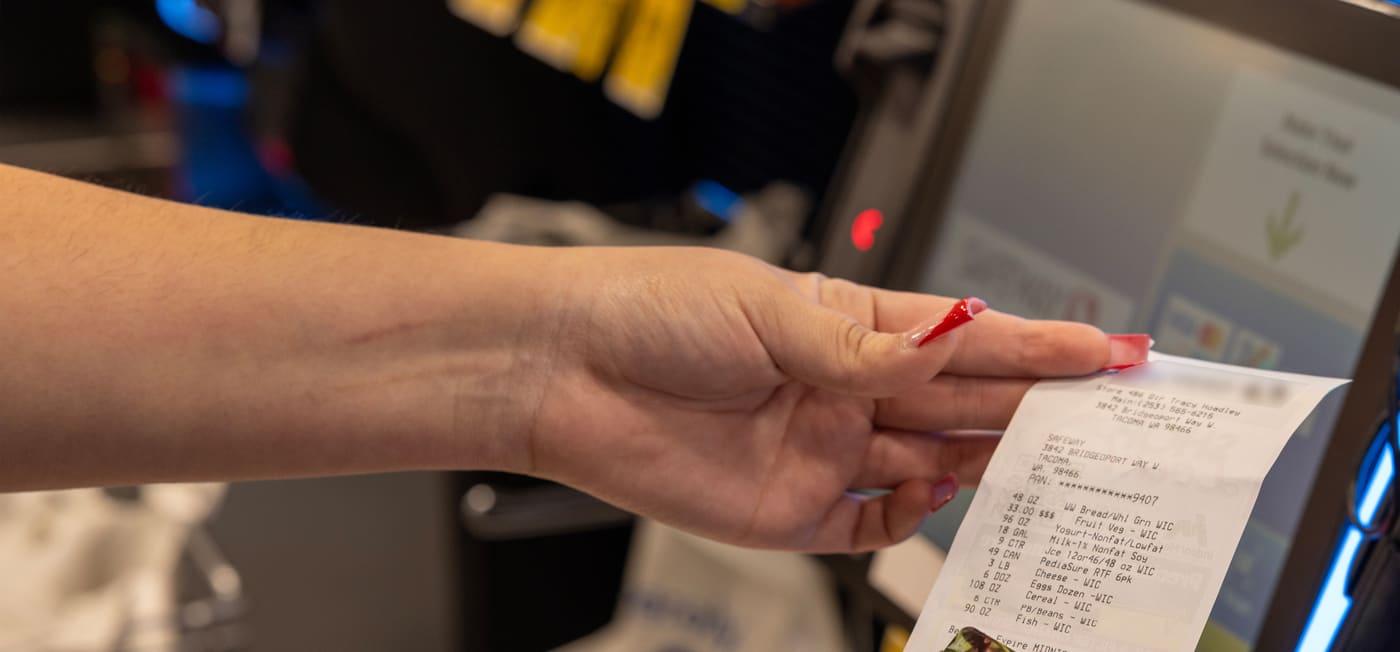
VAT is worked out for you and printed on any ESC/POS thermal printer. Prefer paper-free? Send it by email or PDF.
Each sale updates stock and reports across your branches. If the internet drops, keep selling; 1pos syncs when you are back online.
Now it follows you. Check today’s sales from your phone, move stock between branches and close the day without counting twice.
02A day with 1pos
07:45
Count your starting cash and begin a session. Every peso from here on is tracked.
12:30
Scan, tap, next. Stock drops with each sale, so nobody sells what is not on the shelf.
15:10
You hear about the last few units before a customer finds an empty shelf.
17:40
A paid Shopify or WooCommerce order comes in as a POS transaction. Stock updates on both sides.
21:00
The drawer closes on schedule, shortages and overages are flagged, and your report is ready.
03Itemized
Everything from the counter to the back office. Open any line to see what is included.
04Who it is for
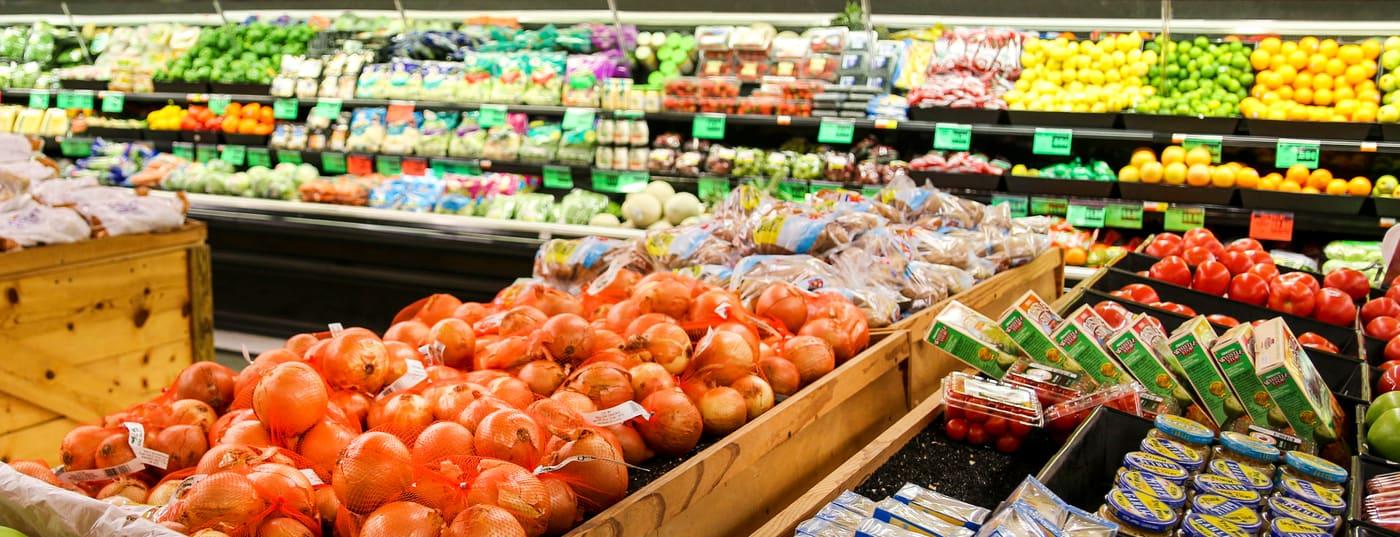
Groceries, minimarts and shops with shelves to keep full: barcodes, variants, bundles and stock per branch.
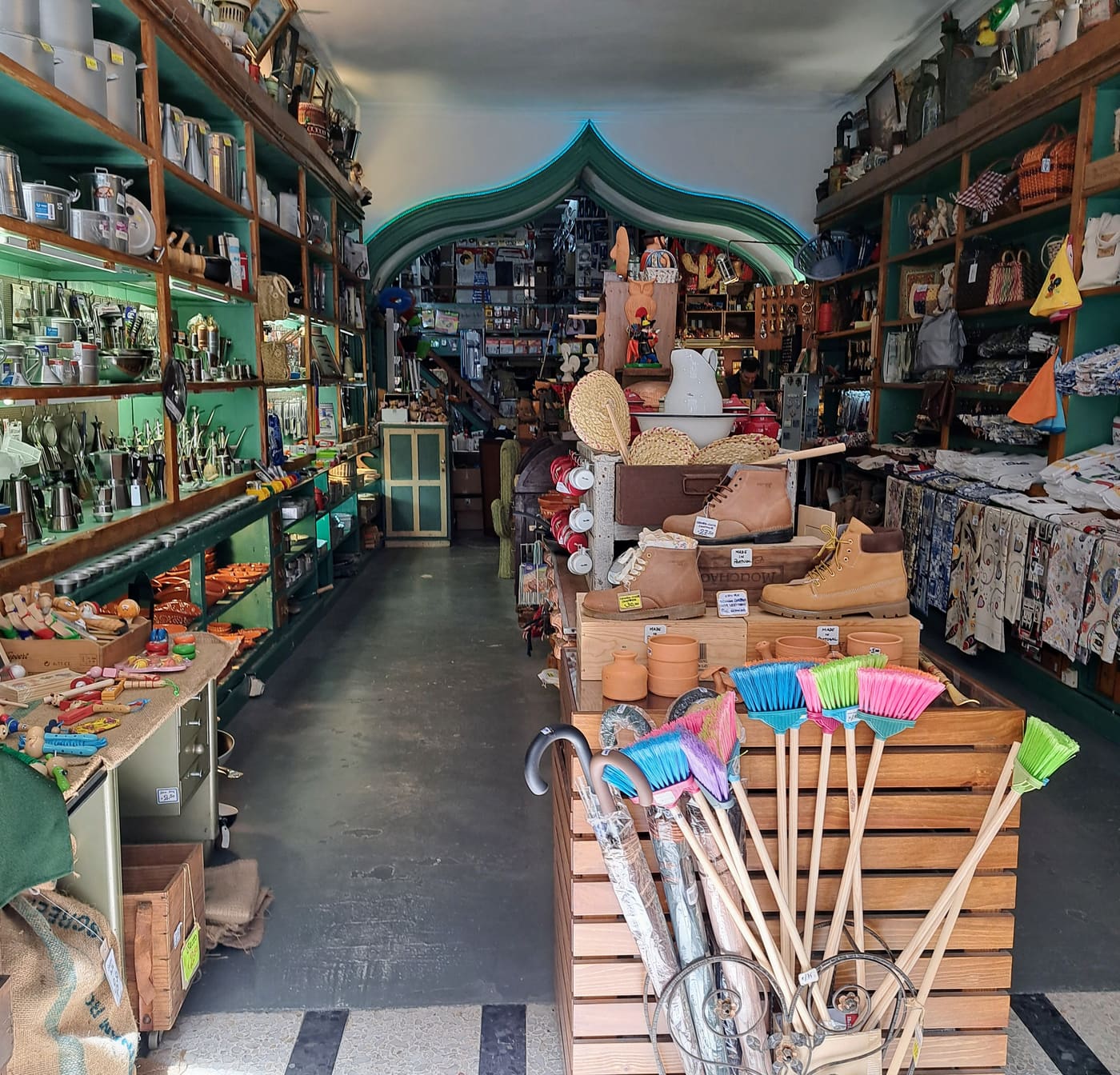
Anything else that sells over a counter. Turn on only the modules you need.
05Online and in store
Connect Shopify or WooCommerce to your POS and keep one count of what you actually have.
Sell in store or online and the other side updates, so you avoid overselling.
Match products by SKU, pull product data and keep listings aligned.
Paid online orders arrive as POS transactions, without duplicates.
06In your pocket
The 1pos companion app reads barcodes and QR codes with your camera and sends product photos straight to your catalog.
07Your total
Set up your store, add a few products and try it at the counter. If it is not for you, walk away and owe nothing.
1pos
Free trial, itemized
TOTAL DUE TODAY
₱0.00
Start free trialBrowse live stores